

Your smartphone can solve many of the small problems that make traveling in another country stressful.
In Korea, the right apps can help you:
Find your hotel or clinic
Navigate Seoul's subway and bus network
Call a taxi
Translate Korean
Communicate with clinics and coordinators
Manage travel payments
Find restaurants, pharmacies, and convenience stores
We recommend installing the most important apps before you leave home.
That way, you can log in, set your language, and solve any account problems while you still have reliable internet access.
1. NAVER Map
Best for:
Maps, walking directions, public transportation, restaurants, clinics, and local places
For most foreign visitors, NAVER Map is one of the most useful apps to install before visiting Korea.
NAVER Map provides local information and transportation navigation across Korea, including:
Walking directions
Subway routes
Bus routes
Real-time public transport information
Restaurants
Cafes
Hotels
Clinics
Pharmacies
Building information
Subway exits
NAVER says its map service supports Korean, English, Chinese, and Japanese and provides public transport navigation and local place information for foreign visitors.
Why NAVER Map is particularly useful in Korea
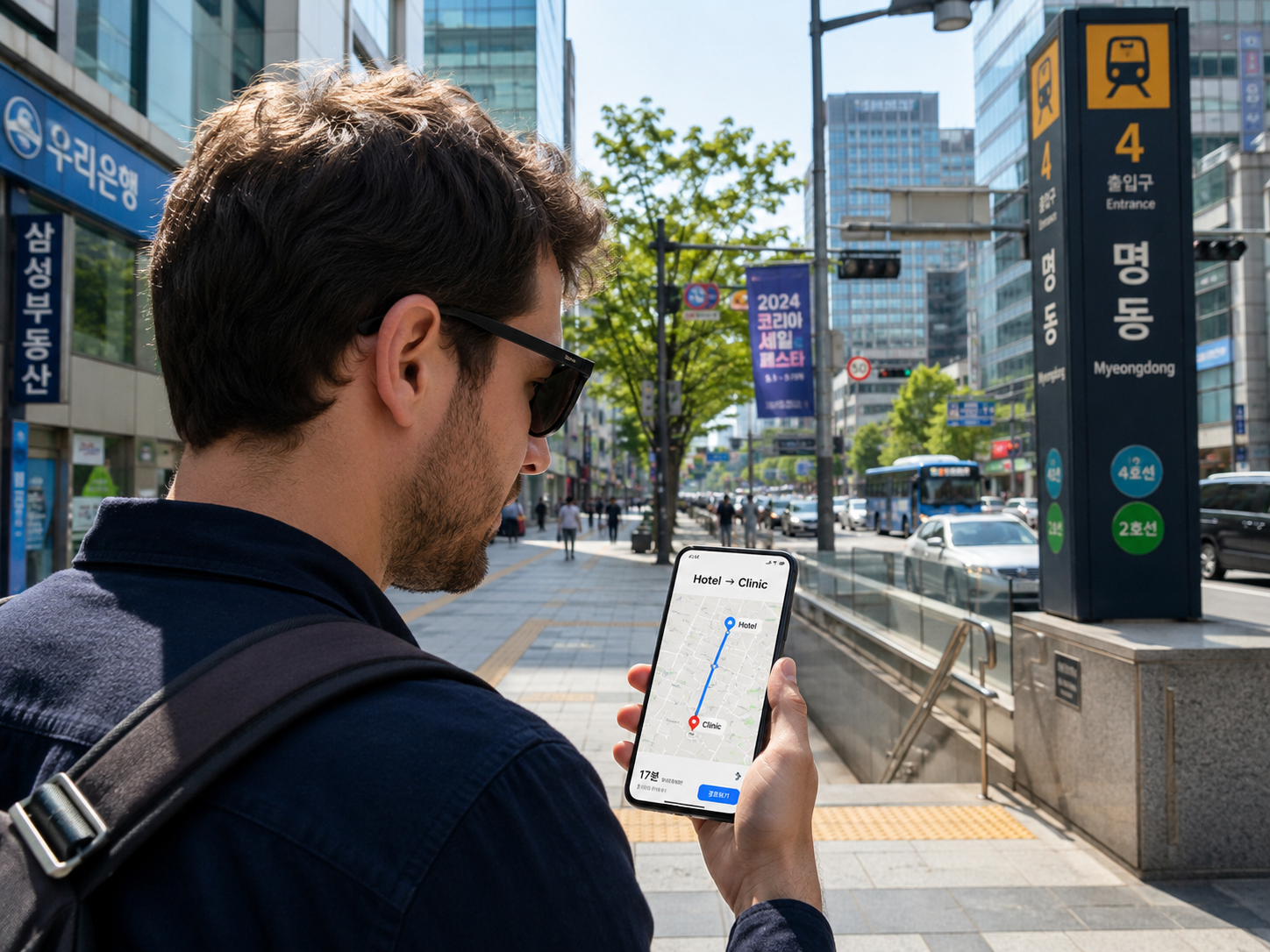
A Korean address may lead to:
A large commercial building
A clinic on an upper floor
A subway station with more than ten exits
A narrow street that is difficult to identify
NAVER Map can help you understand the local area before you arrive.
This is especially useful when visiting a clinic.
Save these locations before departure
Add your:
Hotel
Clinic
Airport terminal
Nearest pharmacy
Nearest convenience store
Major transportation stations
to your saved places.
Useful tip for 2026
NAVER introduced passport verification for foreign visitors in 2026, allowing eligible overseas passport holders to access certain booking, ordering, and payment features without a Korean mobile phone number.
This can make NAVER Map more useful than it was for previous visitors to Korea.
2. Kakao T

Best for:
Calling taxis
If you expect to use taxis in Korea, Kakao T is one of the main apps worth preparing.
Instead of trying to explain your destination verbally to a driver, taxi apps can help you enter the destination directly.
This can be useful when traveling to:
Your hotel
A clinic
A hospital
Seoul Station
An airport
A restaurant or shopping area
Why a taxi app is useful

Using an app can help reduce problems involving:
Korean pronunciation
Address confusion
Finding an available taxi
Explaining your destination
Once a taxi is assigned, the app can generally provide information such as the vehicle and driver.
Prepare it before your trip
Install the app before departure and check whether you can:
Create an account
Verify your phone number
Set your preferred language
Add an available payment method
Features and payment compatibility for foreign visitors can change, so check the current app options before relying on it as your only taxi method.
Always keep a backup
Even if you install Kakao T, also know how to:
Use an official taxi queue
Ask your hotel to call a taxi
Show a driver your destination in Korean
This is useful if your account or payment method does not work.
3. Papago
Best for:
Korean translation
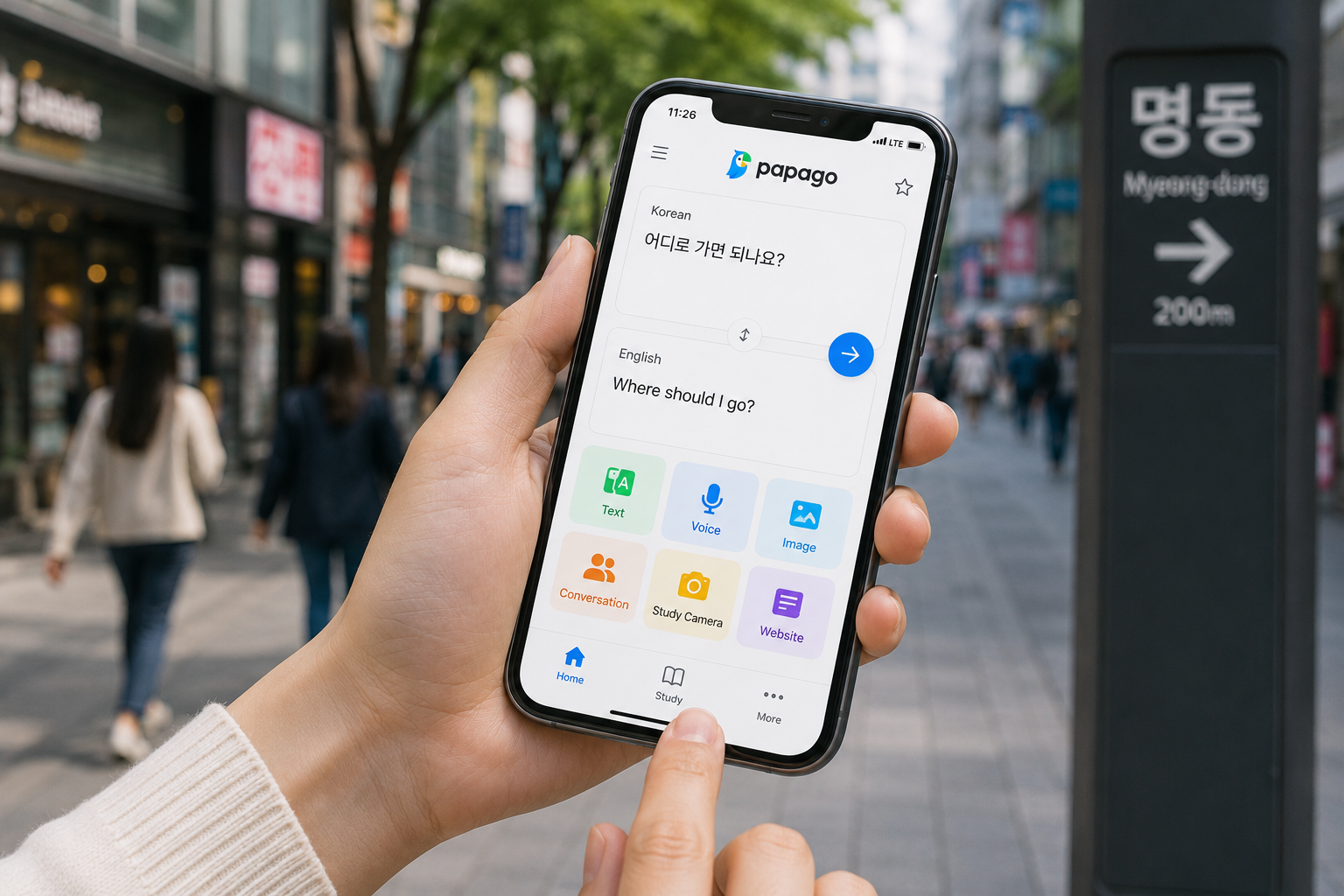
NAVER Papago is particularly useful for Korean-language travel.
It can help translate:
Text
Voice
Images
Signs
Restaurant menus
Basic conversations
Papago currently supports Korean together with languages including English, Japanese, Simplified and Traditional Chinese, Thai, Vietnamese and others.
Useful situations
Papago can help when you need to understand:
Restaurant menus
Take a photo and translate the text.
Signs
Useful in smaller buildings or local areas.
Taxi communication
Translate a short sentence when necessary.
Pharmacy visits
Useful for simple everyday communication.
Hotel communication
Explain basic requests.
But be careful with medical translation
Translation applications are extremely useful for basic communication.
However, do not rely only on an automatic translation app when discussing important medical information.
This includes:
Diagnosis
Treatment risks
Informed consent
Medication instructions
Surgery
Complications
If you do not clearly understand the medical explanation, ask the clinic for appropriate language support.
Papago is great for
Menus
✓
Signs
✓
Directions
✓
Basic conversation
✓
For important medical decisions
Use clinic language support / interpreter
4. KakaoTalk
Best for:
Messaging in Korea
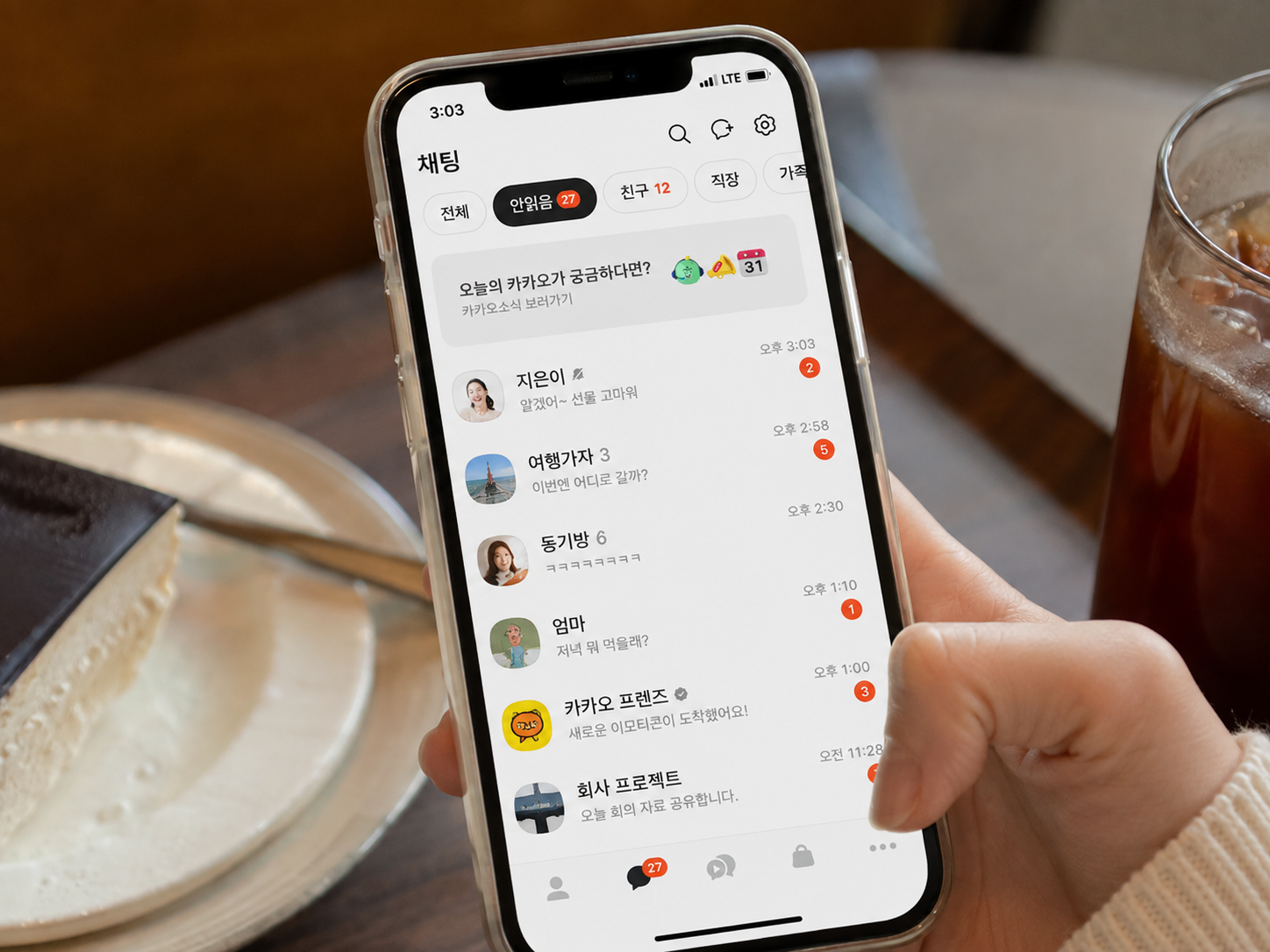
KakaoTalk is one of Korea's most widely used messaging platforms.
Depending on the clinic, hotel, coordinator, or local contact, you may be asked to communicate through KakaoTalk.
It can be useful for:
Appointment messages
Location sharing
Sending photos
Schedule updates
Communicating with local contacts
Install it before your appointment
If your clinic tells you it uses KakaoTalk:
Download the app
Create your account
Confirm you can receive messages
Save the clinic or coordinator contact
Do this before your appointment day.
Do not depend on only one communication channel
Also save:
Clinic phone number
Email
Hotel telephone number
Other messaging channel provided by the clinic
If one app stops working, you still need a way to contact them.
5. WOWPASS
Best for:
Travel payments and transportation card management
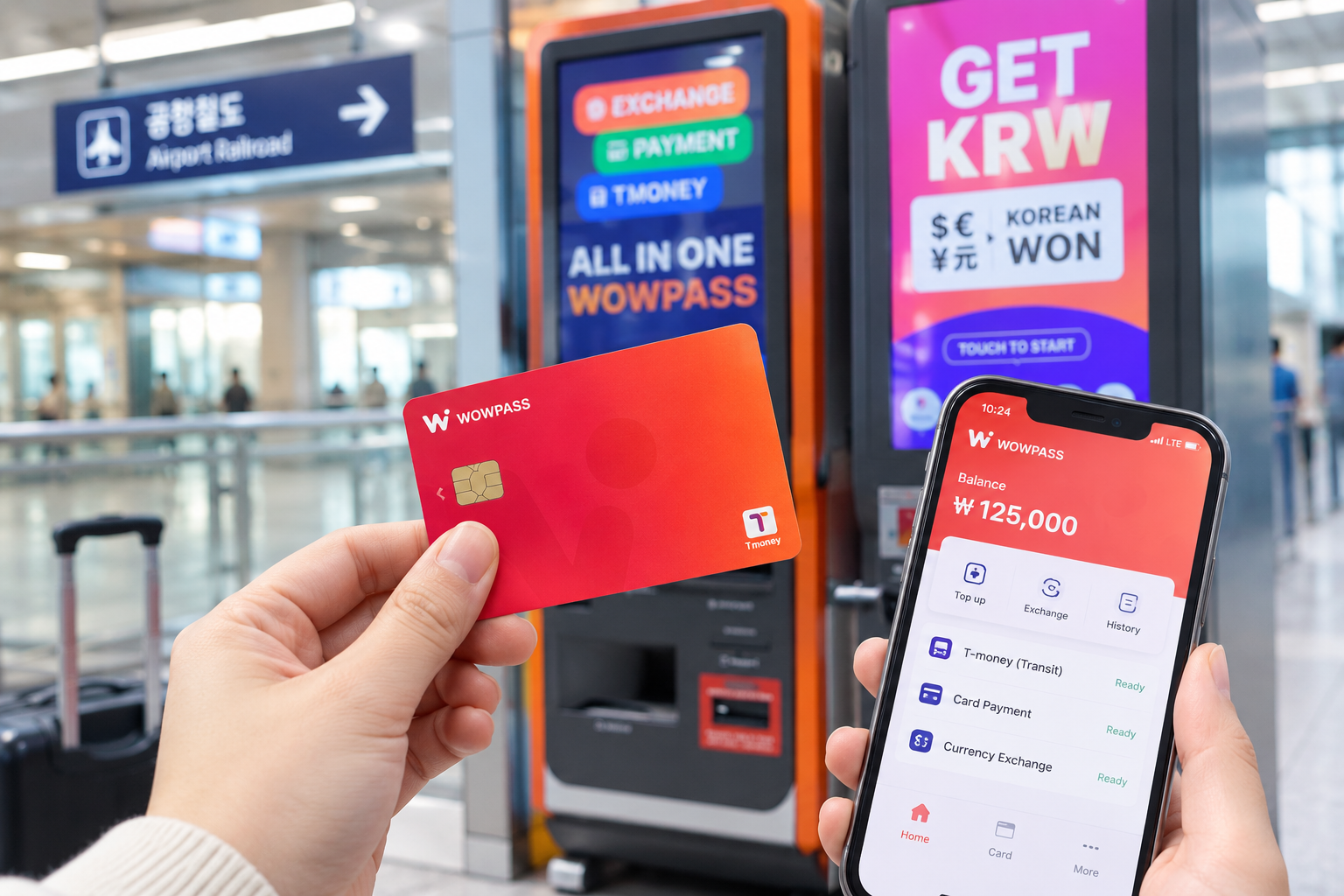
For some international visitors, WOWPASS can be useful as an additional Korea travel payment option.
It combines a prepaid payment card with travel-focused app features.
According to WOWPASS, users can manage payment balance through the app, and the service also provides transportation-card-related functions.
Why travelers may find it useful
The service is designed specifically for visitors to Korea and can provide:
Prepaid payment functionality
Balance management through the app
Payment notifications
Transportation card balance management
Foreign-currency or supported card top-up options
This may be useful if your international card does not work reliably at some Korean merchants.
Do you need WOWPASS?
Not necessarily.
If your foreign credit card works reliably and you already have a transportation card, you may not need another payment product.
Think of it as an optional convenience tool, not a mandatory app.
6. Your Airline App
Best for:
Flight changes, boarding passes, and departure information
Install the app of the airline you are actually using.
For example:
Korean Air
Asiana Airlines
Your international airline
The airline app may help you check:
Flight status
Terminal
Check-in
Boarding pass
Schedule changes
This becomes particularly useful if your medical schedule affects your return flight.
7. Your Accommodation Booking App
Best for:
Hotel confirmation and communication
Keep the booking application you used installed.
Examples may include:
Agoda
Airbnb
Hotel's own application
Before arriving, make sure you can access:
Hotel name
Korean address
Check-in time
Reservation number
Host or hotel contact
Cancellation information
Which apps do I actually need?
You do not need twenty Korean apps.
For most visitors, this basic setup is enough:
Essential
NAVER Map
For navigation
Papago
For translation
Kakao T
For taxis
Useful depending on your trip
KakaoTalk
For local communication
WOWPASS
For travel payment convenience
Airline app
For flights
Hotel booking app
For accommodation
For medical travelers
If your trip includes a clinic appointment, we especially recommend preparing:
NAVER Map
Save your clinic building and hotel.
Kakao T
Have a taxi option available for after treatment.
Papago
Useful for basic everyday communication.
Clinic's messaging app
Install whichever communication channel your clinic actually uses.
YOUR KOREA PHONE SETUP
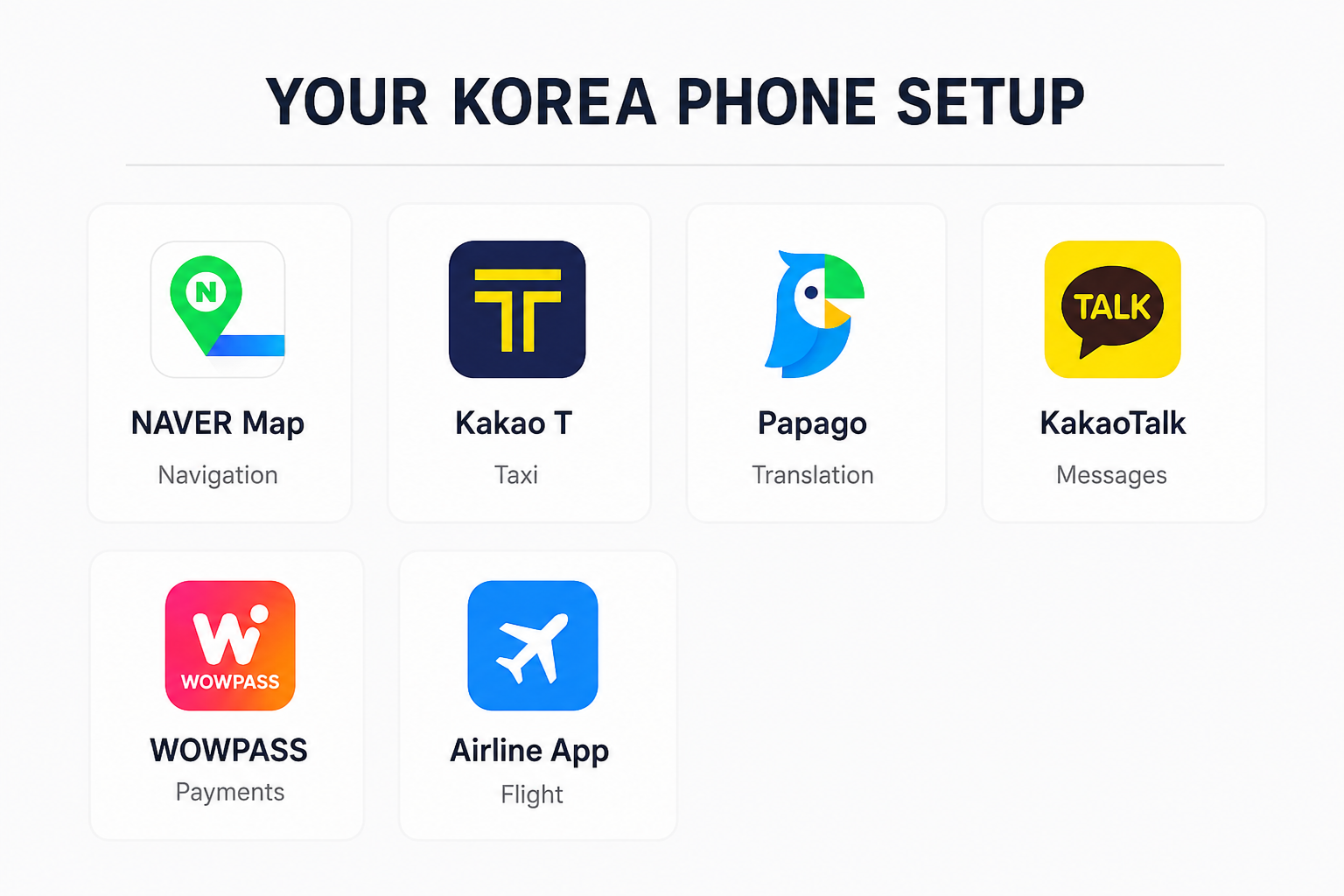
🗺 NAVER Map
Navigation
🚕 Kakao T
Taxi
💬 Papago
Translation
💬 KakaoTalk
Messages
💳 WOWPASS
Payments
✈️ Airline App
Flight
Set everything up before your flight
Do not simply download the apps.
Open them before departure and check that they actually work.
For each important app:
✓ Install
✓ Create account if necessary
✓ Log in
✓ Select language
✓ Complete verification if required
✓ Add payment method if needed
✓ Enable notifications
✓ Save important locations
Save essential information offline too
Apps are helpful, but your trip should not collapse because you temporarily lose internet access.
Screenshot:
Hotel
Name
Korean address
Phone
Clinic
Name
Korean address
Appointment
Flight
Flight number
Departure time
Contacts
Clinic
Hotel
Coordinator
Recommended setup before landing in Korea
Navigation
NAVER Map
Taxi
Kakao T
Translation
Papago
Messaging
KakaoTalk + your clinic's preferred channel
Payment backup
WOWPASS, if useful for your situation
Travel
Airline + accommodation booking apps
Important
App features, account requirements, language support, and payment compatibility can change.
Check the latest version and available functions before your trip.